




Try out our free PDF to Podcast generator










From PDF to podcast in minutes



Everything you need to turn your PDF into a podcast



How to generate an AI Podcast on Wondercraft


Simply upload your PDF, and Wondercraft will convert the text into a podcast script. From there, you can choose AI voices, add music or sound effects, and export your podcast—all within minutes.
Not necessarily. Our AI automatically extracts the text from your PDF, even if it's a long-form document. However, if your PDF includes lots of formatting or unrelated content (like charts or footnotes), we recommend a quick cleanup for the best audio experience.
You can convert reports, articles, blog drafts, whitepapers, internal training materials, or any PDF with readable text. Encrypted or scanned image PDFs aren’t supported (yet!).
Yes! Choose from a wide range of hyper-realistic AI voices with different tones, accents, and styles. You can even use your own voice if you've uploaded a custom voice profile.
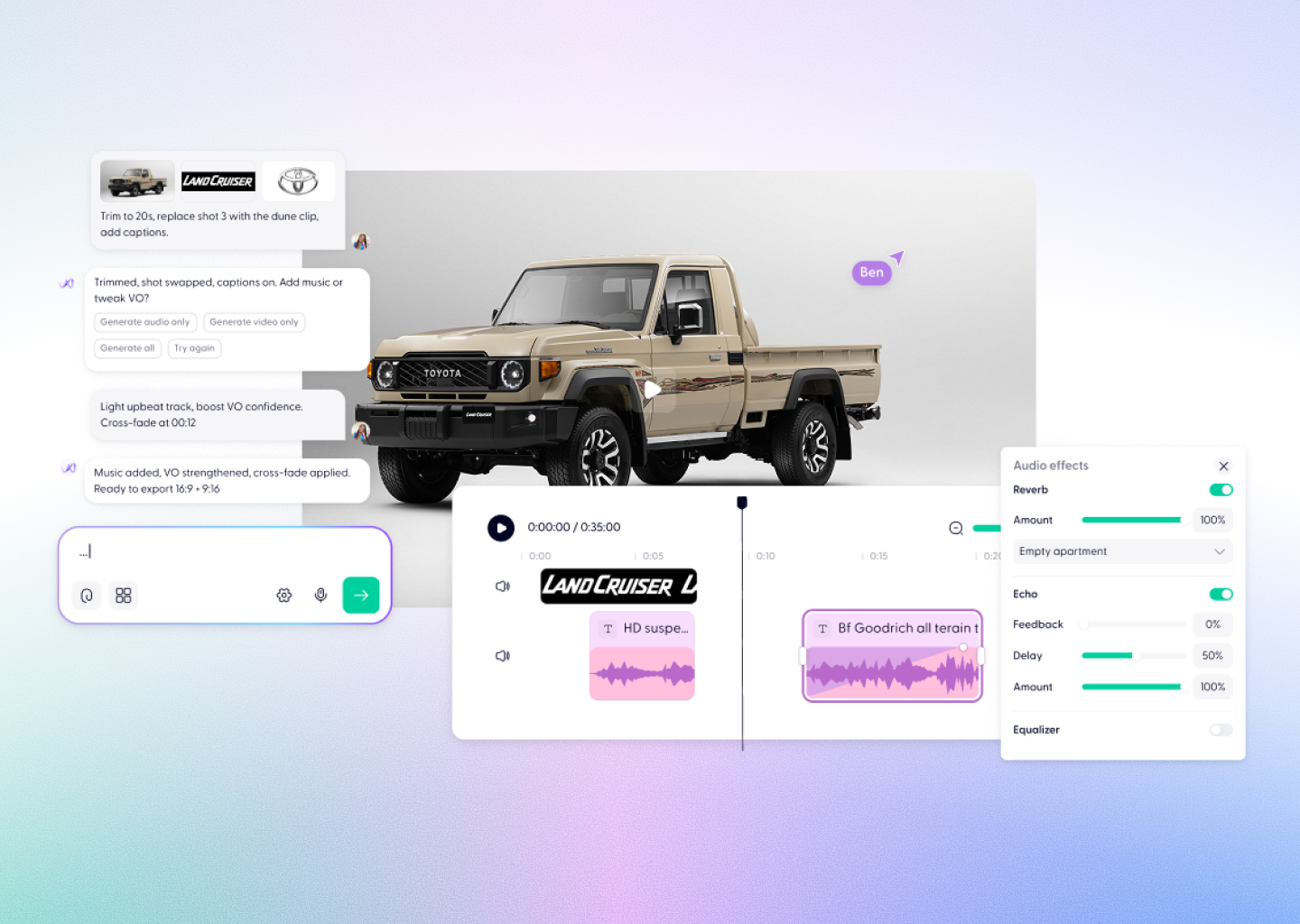
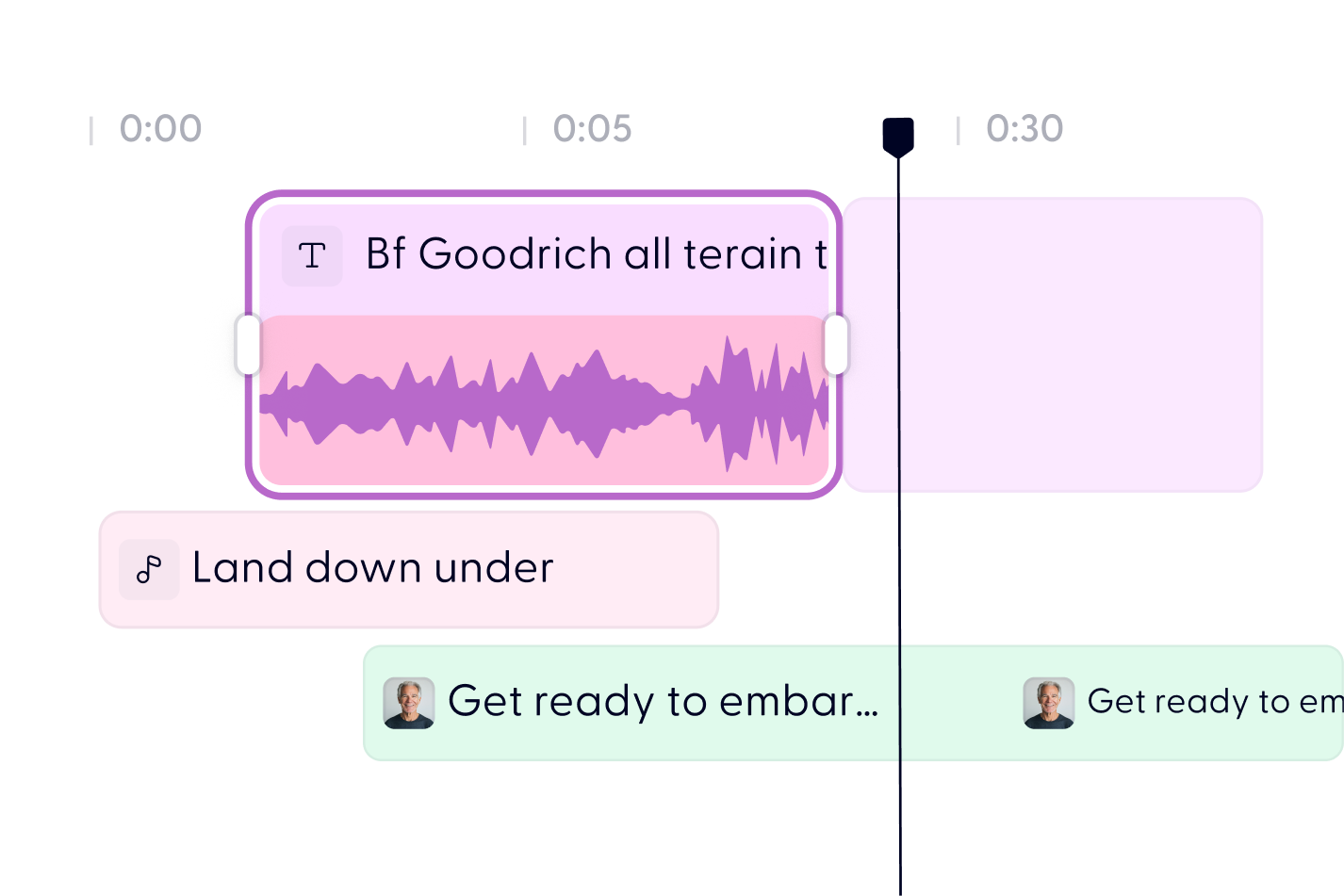
Absolutely. Use our drag-and-drop timeline editor to fine-tune the pacing, insert music, or adjust the script. No technical experience required.
Absolutely. Use our drag-and-drop timeline editor to fine-tune the pacing, insert music, or adjust the script. No technical experience required.
Yes. Many users convert training materials, onboarding docs, or thought leadership content into audio to make information more accessible to teams, clients, or learners.
You can get started for free and explore most features. If you need more voice credits or advanced options, we offer flexible plans.
Most PDFs are converted in just a few minutes. The total time depends on the length of your document and how much customization you’d like to apply.
Discover more
Videos created with Wonda



Turn any PDF into a podcast today