


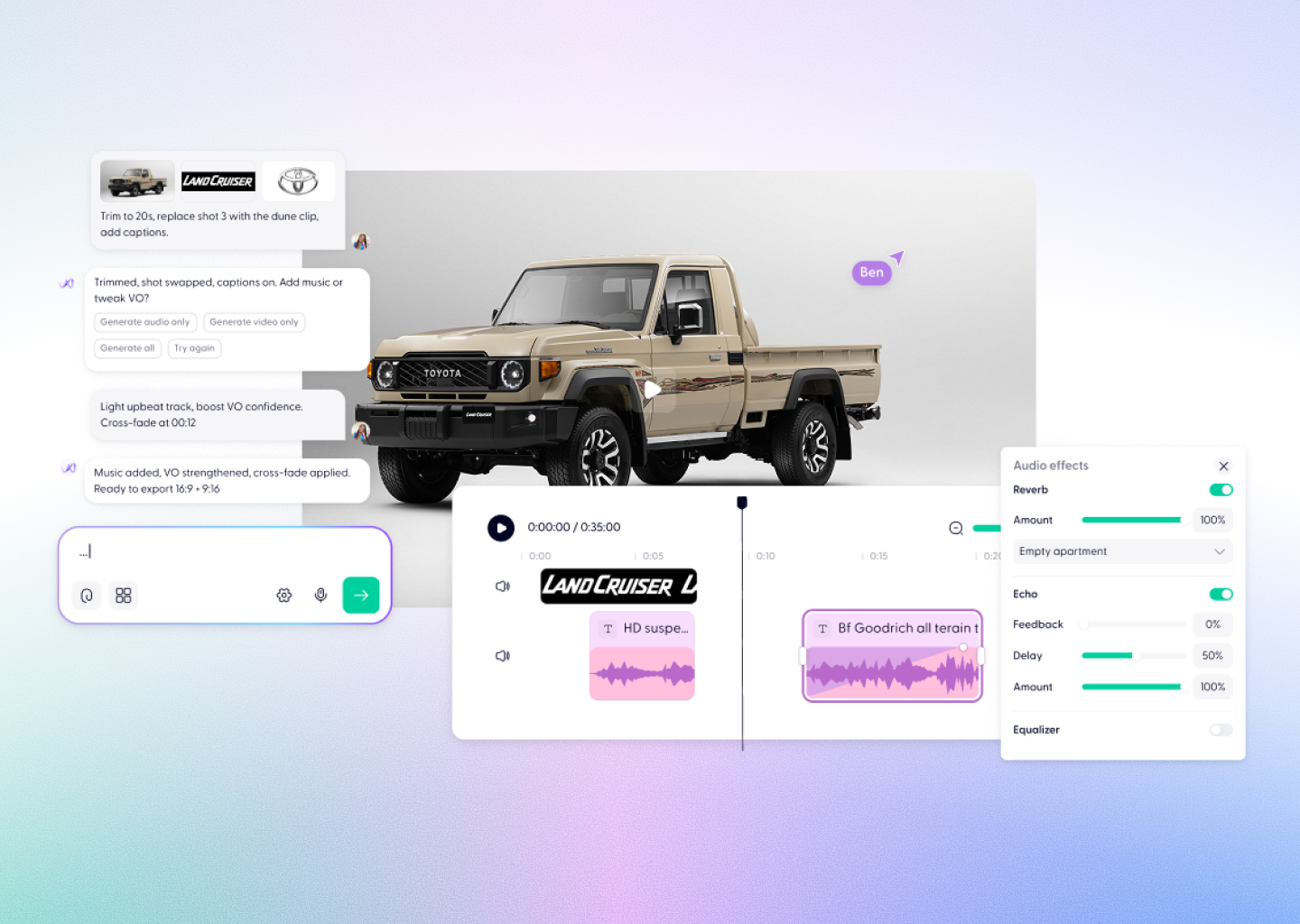


Convert your MP3 Podcast into a Video with AI










From podcast audio to video in minutes



Everything you need to turn your podcast into video
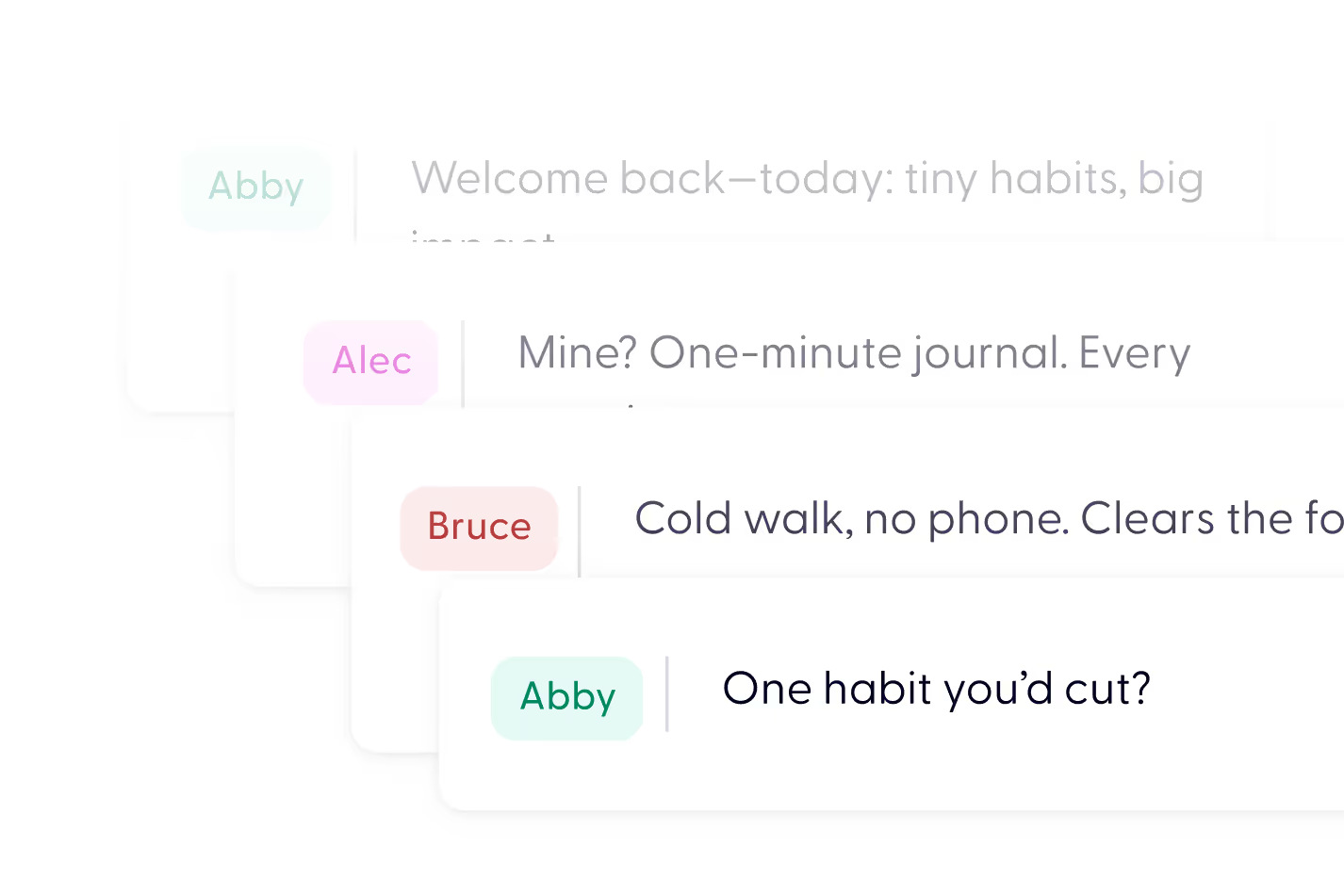
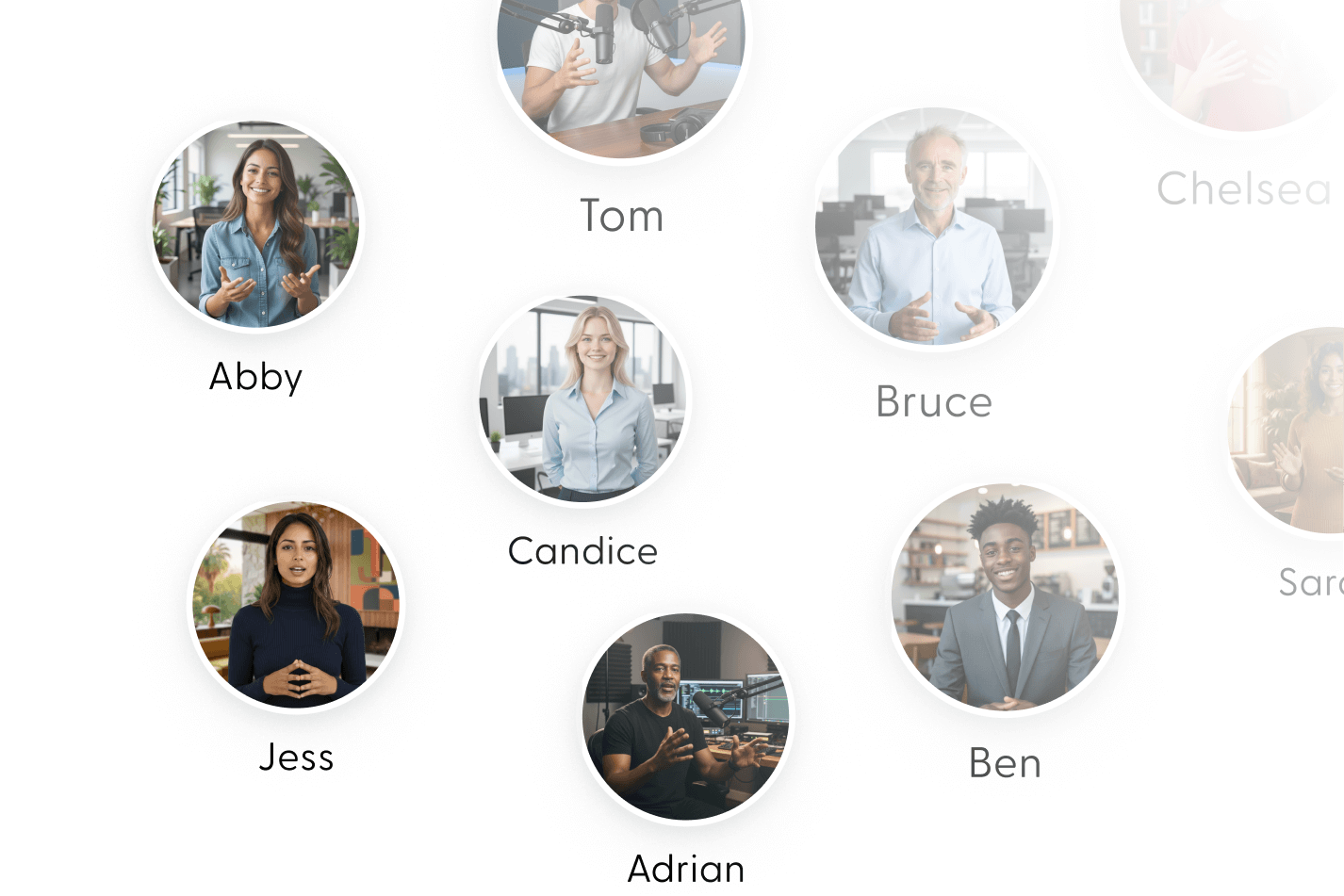
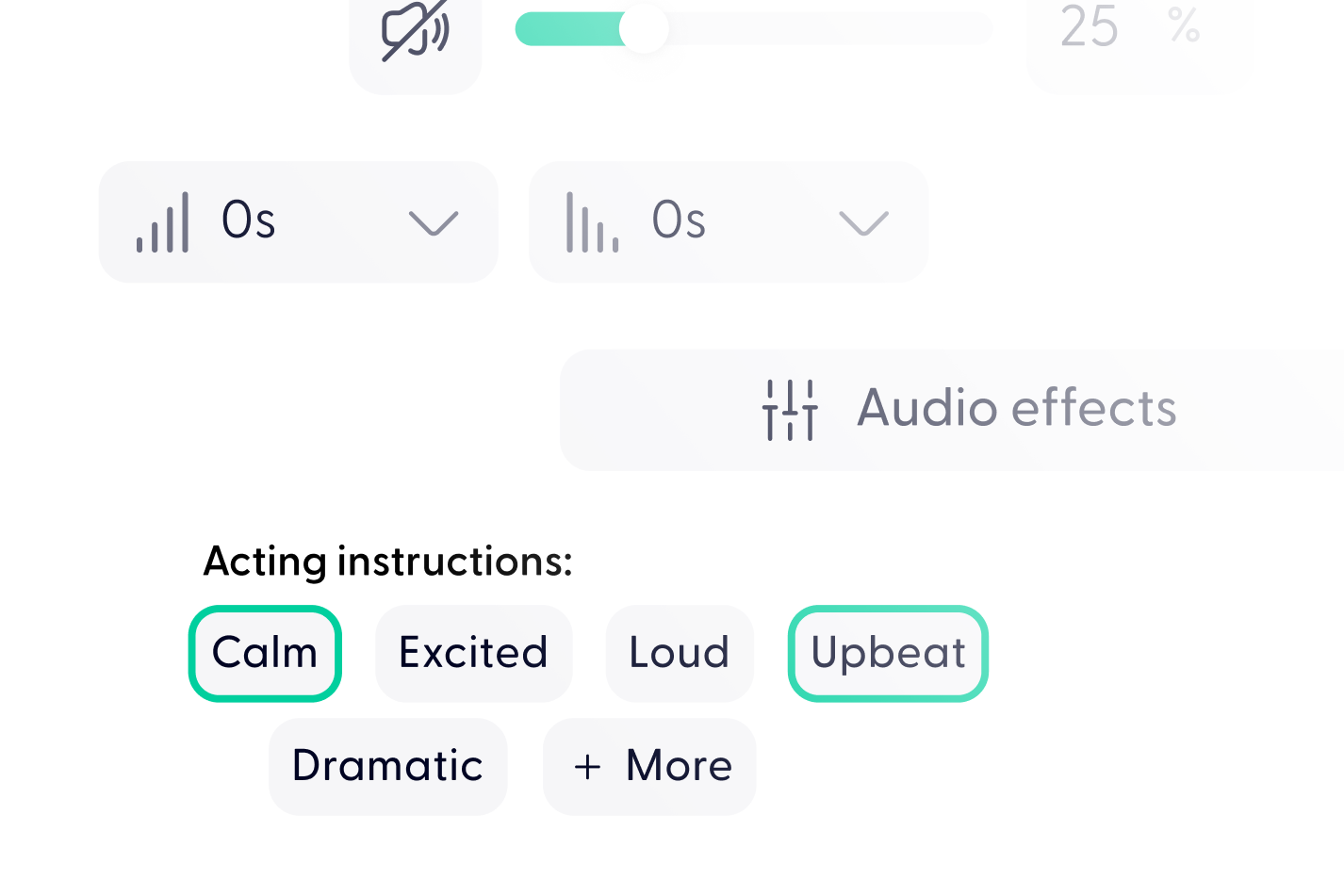

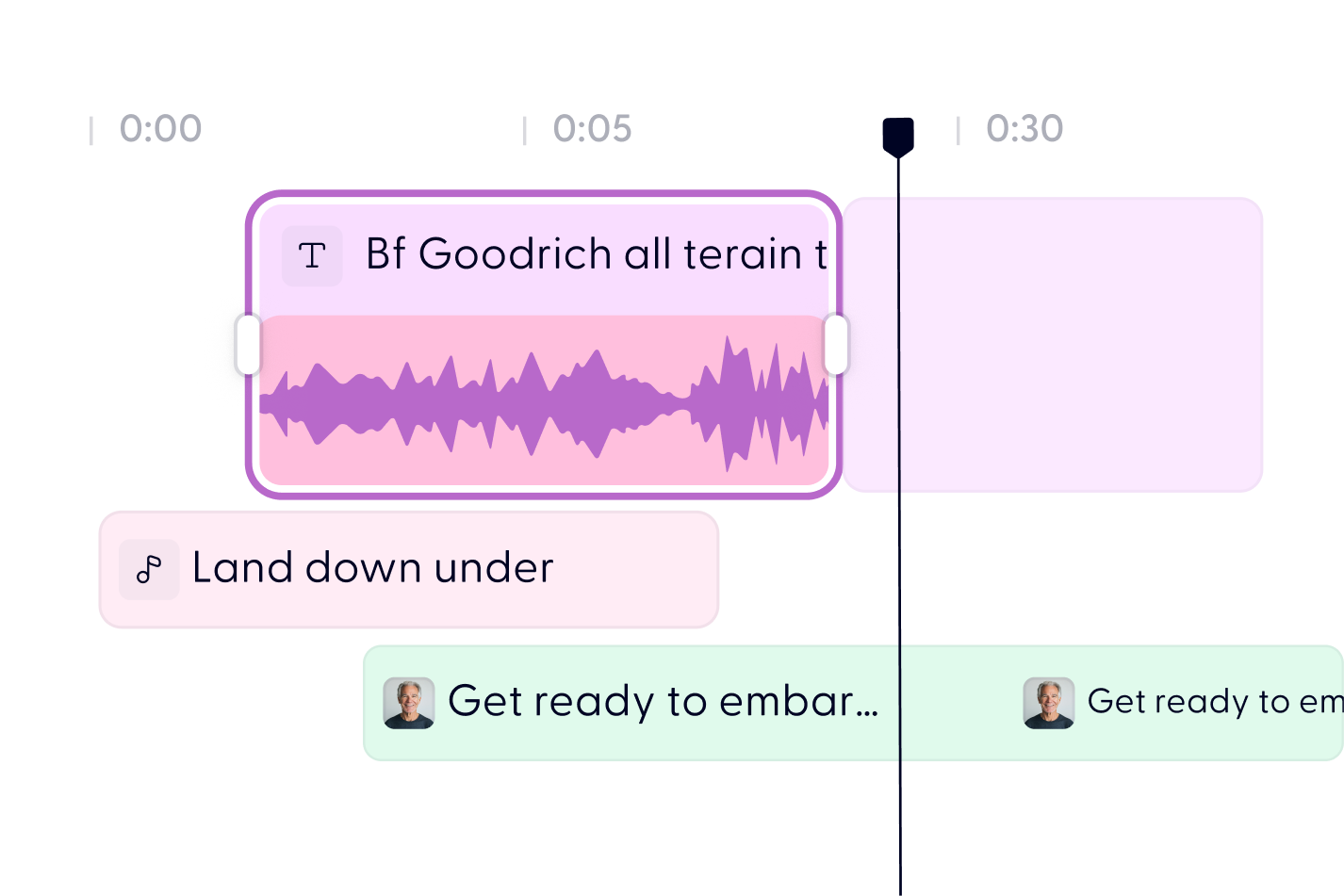
Turn your MP3 podcast into video in 3 steps


Nope. Just upload your MP3 and we’ll do the rest.
Usually within a few hours (Mon–Fri). We’ll email you when it’s ready.
Yes! After uploading, you can optionally share your brand kit or media files via email reply.
Yes — you’re helping us test and improve the automated version!
Yes. During the beta period, it's 100% free to try.
Yes. During the beta period, it's 100% free to try.
Upload your episode as an MP3. If your recording is in another format, convert it to MP3 first, then upload as normal.
Captions are generated automatically from your audio and are accurate for clear recordings. Technical terms, brand names, and heavy background noise can cause errors. Reply to the delivery email with any corrections and we will fix them during the beta.
Yes. Tell us which formats you need when you upload and we will deliver landscape, portrait, or square versions so you can post to YouTube, Reels, TikTok, and LinkedIn from one episode.
Your audio stays private and secure. It is used only to produce your video and is not shared publicly or used to train AI models.
Discover more
Videos created with Wonda

Turn your podcast into video today